Creating a cozy and productive home workspace is essential for anyone working remotely or studying at home. With the right setup, you can boost your focus, improve your mood, and maintain a healthy work-life balance. This guide offers practical tips to help you design a space that feels welcoming and supports your productivity.
Choose the Right Location
Find a Quiet Spot
Select a place in your home where you can work without constant interruptions. Ideally, this will be away from high-traffic areas like the kitchen or living room.
Utilize Natural Light
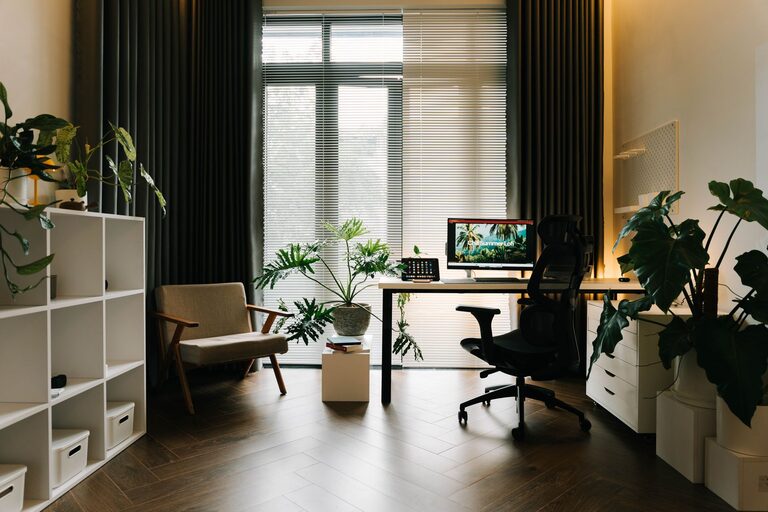
If possible, set up your workspace near a window. Natural light helps reduce eye strain and can improve your mood and energy levels during the day.
Consider Privacy
If you share your home with family or roommates, try to create a workspace where you can have privacy during important calls or focused work sessions.
Invest in Comfortable Furniture
Ergonomic Chair
A good chair supports your back and encourages proper posture. Look for adjustable chairs with lumbar support to stay comfortable during long hours.
Desk Space
Choose a desk that fits your needs and space constraints. It should be large enough to hold your computer, supplies, and any additional items without feeling cluttered.
Flexible Options
If your space is limited, try a foldable or wall-mounted desk. Standing desks or convertible sit-stand options can also help you vary your posture throughout the day.
Organize for Efficiency
Declutter Regularly
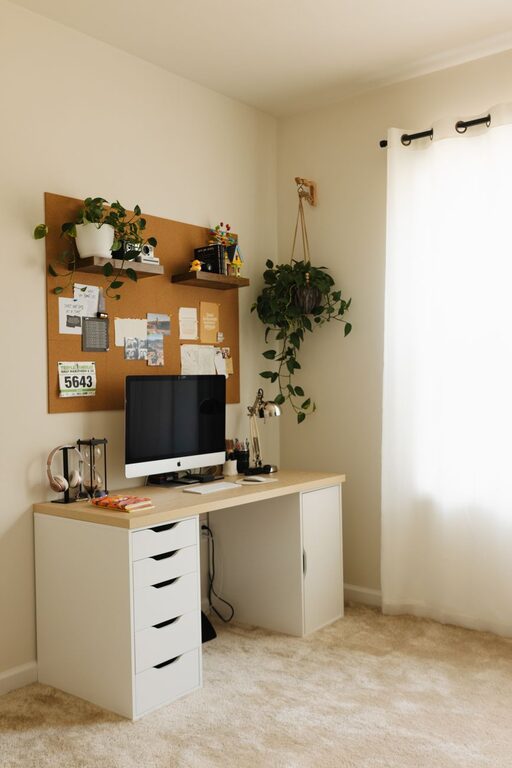
Keep only what you need on your desk. A tidy space minimizes distractions and makes it easier to find important items.
Use Storage Solutions
Shelves, drawers, and organizers can keep documents, supplies, and gadgets neat and accessible.
Cable Management
Use clips or sleeves to manage cords and cables. This keeps your desk looking clean and prevents tangling.
Personalize Your Space
Add Cozy Elements
Incorporate items like cushions, a soft throw blanket, or a small rug to make your workspace feel inviting and comforting.
Include Plants
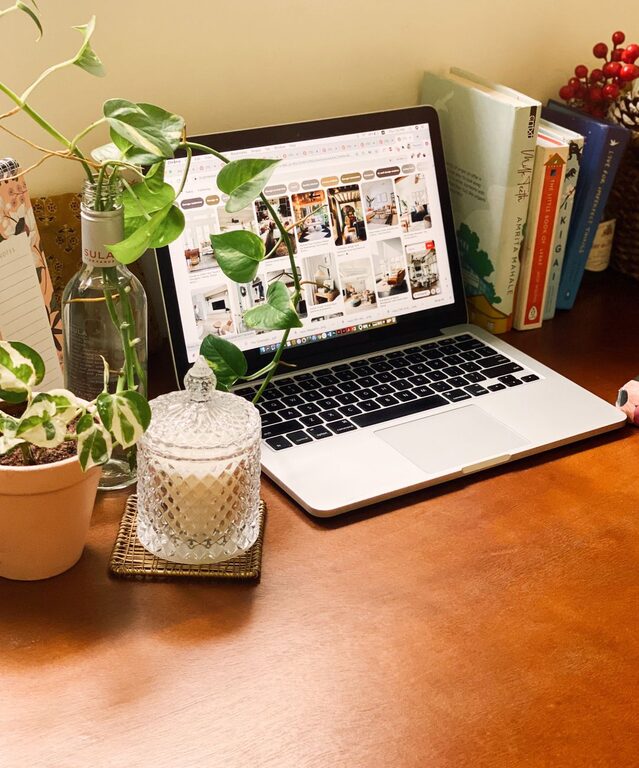
Greenery not only adds color but has been shown to improve air quality and reduce stress.
Display Inspiring Items
Photos, artwork, or motivational quotes can boost your mood and keep you motivated.
Optimize Lighting
Combine Light Sources
Use a mix of natural light, overhead lighting, and task lamps. A desk lamp with adjustable brightness can help reduce eye strain.
Avoid Glare
Position your computer screen to avoid reflections from windows or lights. Consider an anti-glare screen if necessary.
Minimize Distractions
Set Boundaries
Communicate your working hours and space boundaries to others in your home to reduce interruptions.
Use Noise-Cancelling Tools
Headphones or white noise machines can help block distracting sounds.
Limit Technology Distractions
Turn off non-work-related notifications on your devices during work hours.
Incorporate Healthy Habits
Take Regular Breaks
Follow the 20-20-20 rule: every 20 minutes, look at something 20 feet away for 20 seconds to reduce eye strain.
Stay Hydrated
Keep a water bottle nearby and drink regularly.
Move Often
Stand, stretch, or walk for a few minutes every hour to prevent stiffness.
Manage Technology Wisely
Reliable Internet Connection
Ensure your workspace has strong internet connectivity to avoid disruptions.
Invest in Quality Equipment
A good keyboard, mouse, and monitor can improve comfort and efficiency.
Backup and Security
Regularly save your work and use security software to protect your data.
Maintain Work-Life Balance
Separate Work and Relaxation Areas
If possible, avoid working in your bedroom or on the couch. This helps your brain associate the workspace with productivity.
End Your Day with a Ritual
Turning off your computer and tidying your desk at the end of the day signals the end of work time.
—
A cozy and productive home workspace is achievable with thoughtful planning and small adjustments. By customizing your environment to suit your needs, you can create a space that not only supports your work but also feels like a positive part of your home life.
About the Author