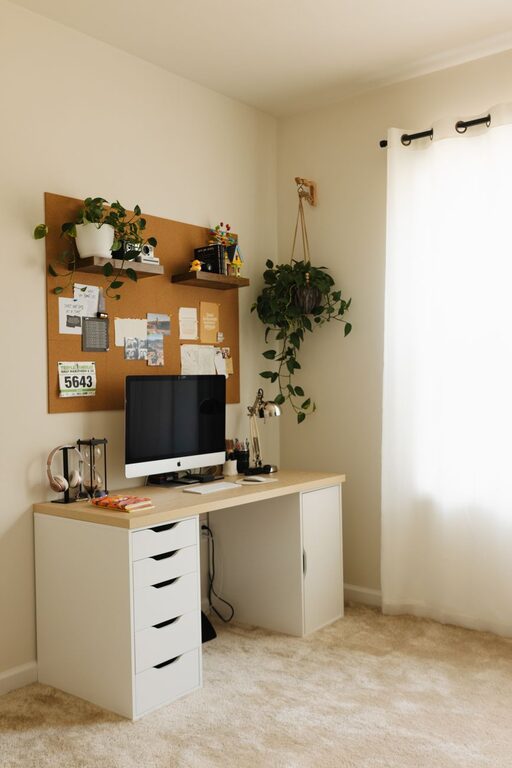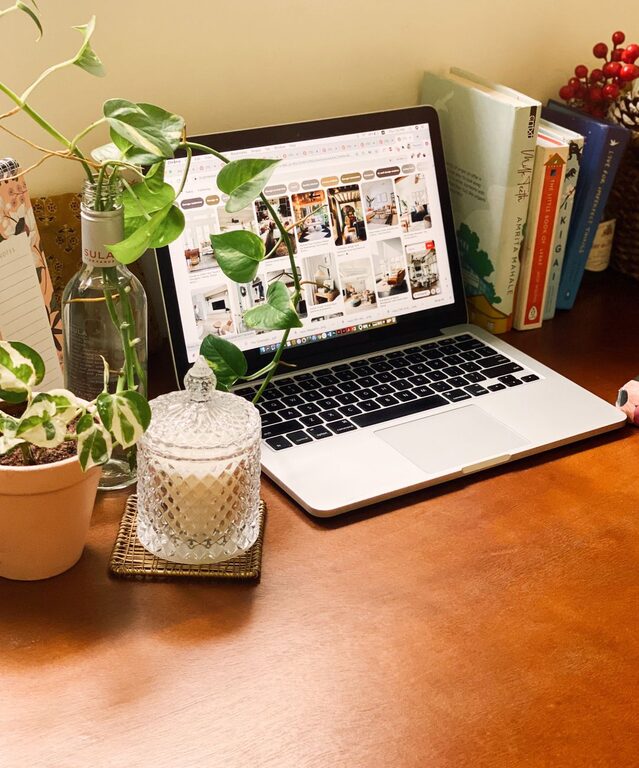
Creating a workspace that is both functional and clutter-free can significantly improve your productivity and creativity. A disorganized environment can distract your mind and slow down your workflow, while a tidy and well-arranged space promotes focus and inspires new ideas. Whether you work from home or in an office, the following tips will help you organize your workspace efficiently.
Why a Clutter-Free Workspace Matters
Before diving into practical steps, it’s important to understand why keeping your workspace tidy makes a difference:
– Reduces stress: Visual clutter can overwhelm your brain and increase stress. A neat space creates calmness.
– Boosts concentration: Fewer distractions mean it’s easier to focus on tasks.
– Improves creativity: A clean desk allows room for creative thinking and problem solving.
– Saves time: An organized space means less time spent searching for items or papers.
Step 1: Declutter Your Desk
Start by clearing everything off your desk surface. Sort through items and categorize them:
– Keep: Essential tools and frequently used items.
– Store: Things used occasionally that can be kept in drawers or shelves.
– Discard or donate: Broken, duplicate, or unnecessary objects.
Try to keep only what you need daily on your desk to maintain a clean appearance.
Step 2: Use Smart Storage Solutions
Good storage is key to organizing your workspace. Consider these options:
– Drawer organizers: Use compartments to separate small items like pens, paper clips, and sticky notes.
– Shelves and filing cabinets: Store documents, books, or devices that don’t fit on your desk.
– Desk organizers: Trays, cups, or vertical stands help keep items in place and easy to find.
Labeling storage containers and files can help keep everything orderly over time.
Step 3: Optimize Desk Layout
Arrange your workspace to maximize comfort and efficiency:
– Keep daily essentials within arm’s reach: This reduces unnecessary movements and interruptions.
– Designate specific zones: For computer work, writing, or creative projects.
– Position your monitor at eye level: To promote good posture and reduce neck strain.
Adjust lighting so it’s bright but not harsh, ideally using natural light when possible.
Step 4: Establish Daily and Weekly Cleanup Routines
Make tidying part of your day to prevent clutter from building up:
– End-of-day reset: Spend 5 minutes clearing your desk of leftover papers and organizing supplies.
– Weekly review: Sort through paperwork, discard what’s no longer needed, and replenish supplies.
Maintaining regular habits keeps your workspace inviting and functional.
Step 5: Limit Personal Items
Personal touches make your workspace comfortable but overdoing it can cause distraction:
– Keep only a few meaningful items such as a photo frame or a plant.
– Avoid cluttering your desk with many decorations.
These small additions can boost morale without compromising your organized setup.
Step 6: Digitize When Possible
Reducing paper clutter can free up a lot of space:
– Scan important documents and save them on your computer or cloud storage.
– Organize files into clearly labeled folders for easy access.
– Use digital note-taking apps rather than sticky notes when suitable.
Digitizing helps reduce physical clutter and improves file management.
Step 7: Maintain Cable Management
Tangled cables can make your workspace look messy and cause frustration:
– Use cable clips, sleeves, or ties to bundle and route cords neatly.
– Label cables to identify devices quickly.
– Consider wireless options for keyboard, mouse, and headphones to minimize wires.
A neat cable setup contributes to a clean and safe workspace.
Bonus Tips for Sustaining Organization
– Adopt the “one in, one out” rule: For every new item you bring in, remove one old or unused.
– Use a planner or task list: Keep commitments and deadlines organized to reduce mental clutter.
– Customize your workspace system: What works for one person may not work for another. Experiment to find your ideal setup.
Conclusion
A clutter-free workspace doesn’t just look better—it helps you work smarter. By decluttering regularly, using smart storage, optimizing your layout, and maintaining good habits, you’ll build an environment that supports increased productivity and creativity. Start small with one or two tips today and enjoy the difference a clean space makes in your work life!
About the Author