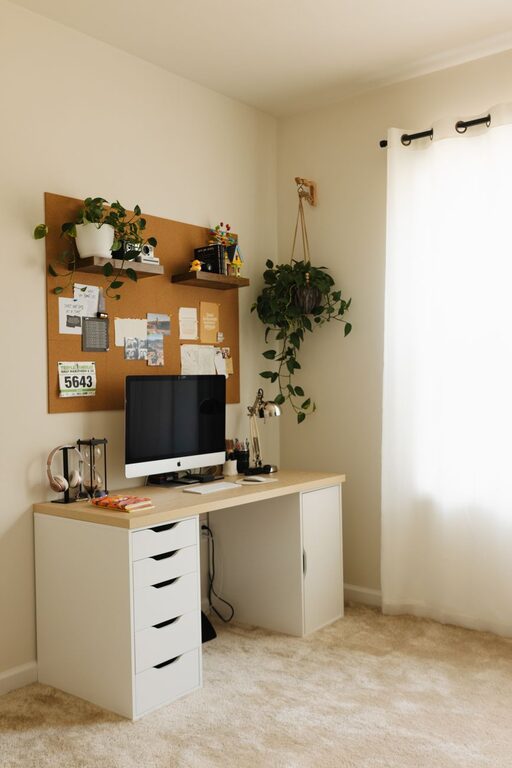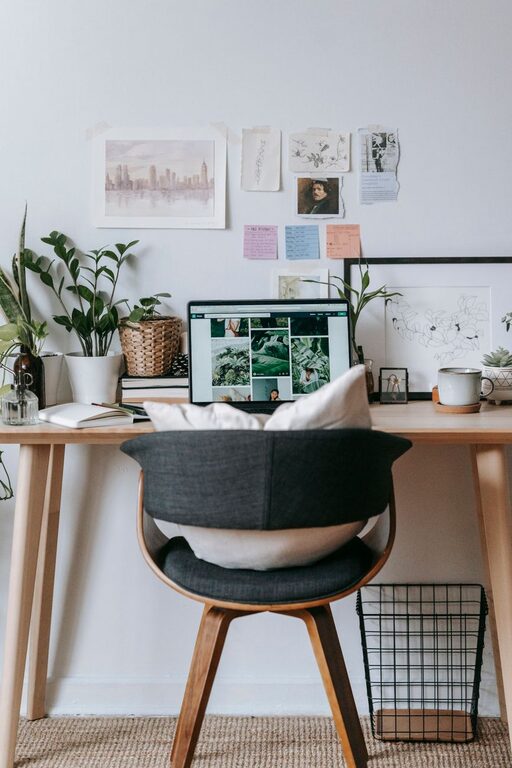
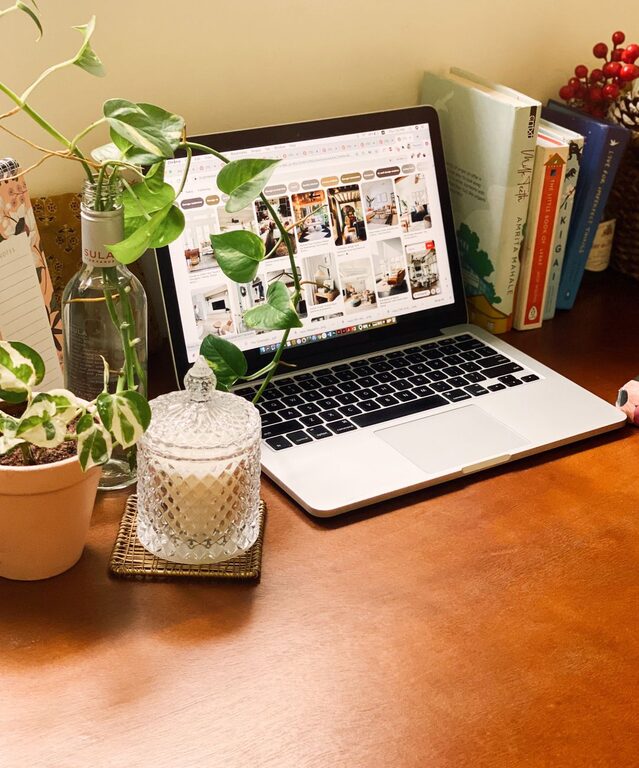
Designing a cozy and inviting home workspace is essential for staying productive and comfortable throughout the workday. Whether you’re working remotely full-time or need a quiet spot for occasional tasks, your workspace should inspire focus and creativity without feeling sterile or cramped. Here are practical tips to help you create a home office that feels welcoming and helps you perform your best.
Choose the Right Location
Selecting the ideal spot in your home is the first step to building a cozy workspace. Consider these factors:
– Natural Light: Position your desk near a window for natural light, which can improve mood and reduce eye strain.
– Quiet Environment: Choose a low-traffic area where you’re less likely to be disturbed.
– Space Availability: Pick a space that fits your needs without making you feel cramped.
If space is limited, consider creative setups like using a nook, a corner of a room, or even a fold-down desk.
Invest in Comfortable Furniture
Comfortable furniture lays the foundation for a cozy workspace. Here’s what to prioritize:
– Ergonomic Chair: A supportive chair with adjustable height and lumbar support helps maintain good posture.
– Desk Size: Ensure your desk has enough surface area for your computer, tools, and personal items but doesn’t overwhelm the space.
– Footrest: Adding a footrest can improve circulation during long hours sitting.
Take time to test furniture options if possible, since comfort is very personal.
Personalize with Warm Colors and Textures
Colors and textures can significantly impact the feeling of your workspace.
– Warm, Soft Colors: Shades like soft beige, warm blues, or gentle greens create a calm atmosphere.
– Textiles: Add a cozy rug, throw blanket over your chair, or cushions for a homey touch.
– Natural Elements: Incorporate wood finishes or plants to bring warmth and life into the room.
Avoid overly bright or harsh colors that might cause visual fatigue.
Optimize Lighting for Comfort and Productivity
Good lighting balances functionality and ambiance.
– Layered Lighting: Combine overhead lights with task lamps to reduce shadows and eye strain.
– Adjustable Desk Lamp: Choose a lamp you can direct toward your work to help with focus.
– Avoid Glare: Position screens and lights to minimize glare on your computer.
Try to maximize daylight during working hours but have quality artificial lighting ready for darker times.
Keep Your Space Organized and Clutter-Free
An uncluttered workspace encourages productivity and reduces stress.
– Storage Solutions: Use shelves, drawers, or organizers to keep supplies out of sight but accessible.
– Cable Management: Use clips or tubes to keep cords neat and prevent tangles.
– Regular Decluttering: Set aside a few minutes each day to tidy your desk and clear unnecessary items.
Having designated spots for everything helps maintain this system easily.
Integrate Technology Thoughtfully
Technology should support your workflow without creating distractions.
– Reliable Equipment: Invest in a good-quality monitor, keyboard, and mouse to work comfortably.
– Wireless Options: These reduce cable clutter.
– Noise-Canceling Headphones: These are useful in shared spaces to help focus.
Keep essential tech within easy reach but avoid overcrowding the desk.
Add Personal Touches that Inspire
Your workspace can reflect your personality and keep you motivated.
– Art and Photos: Hang artwork or place photos that make you smile.
– Inspirational Quotes: Use prints or objects that spark motivation.
– Favorite Scents: A subtle candle or diffuser with your preferred scent can enhance the ambiance—just make sure it’s not overpowering.
These little details help make the space uniquely yours.
Incorporate Greenery for Freshness
Plants do more than brighten a room—they boost air quality and help reduce stress.
– Low-Maintenance Plants: Choose varieties like succulents, snake plants, or pothos if you want easy care.
– Placement: Position plants where they receive adequate light without hindering your workspace.
– Size Variety: Mix small desk plants with taller floor plants for visual interest.
Even artificial plants can add greenery if you’re short on natural light or time.
Create a Relaxation Corner
Building a small area for breaks helps refresh your mind.
– Comfortable Seating: Include a cozy chair or bean bag separate from your main desk.
– Reading Materials: Keep books or magazines nearby for downtime.
– Soothing Elements: Add a small fountain, soft pillows, or calming decorations.
Taking intentional breaks away from the computer can improve focus over time.
Maintain Good Air Quality and Temperature
Comfort extends beyond furniture and decor. Consider:
– Ventilation: Keep windows open when possible or use an air purifier.
– Temperature Control: Use fans or heaters to maintain a comfortable climate.
– Humidity: A humidifier may help in dry climates to prevent discomfort.
These factors help you stay alert and comfortable throughout the day.
—
Creating a cozy and inviting home workspace is about blending comfort, functionality, and personality. By selecting the right location, investing in quality furniture, optimizing lighting, and personalizing your surroundings, you’ll foster an environment where work feels less like a chore and more like a pleasant activity. Try these tips and tailor your space to your needs—your ideal home workspace awaits!
About the Author